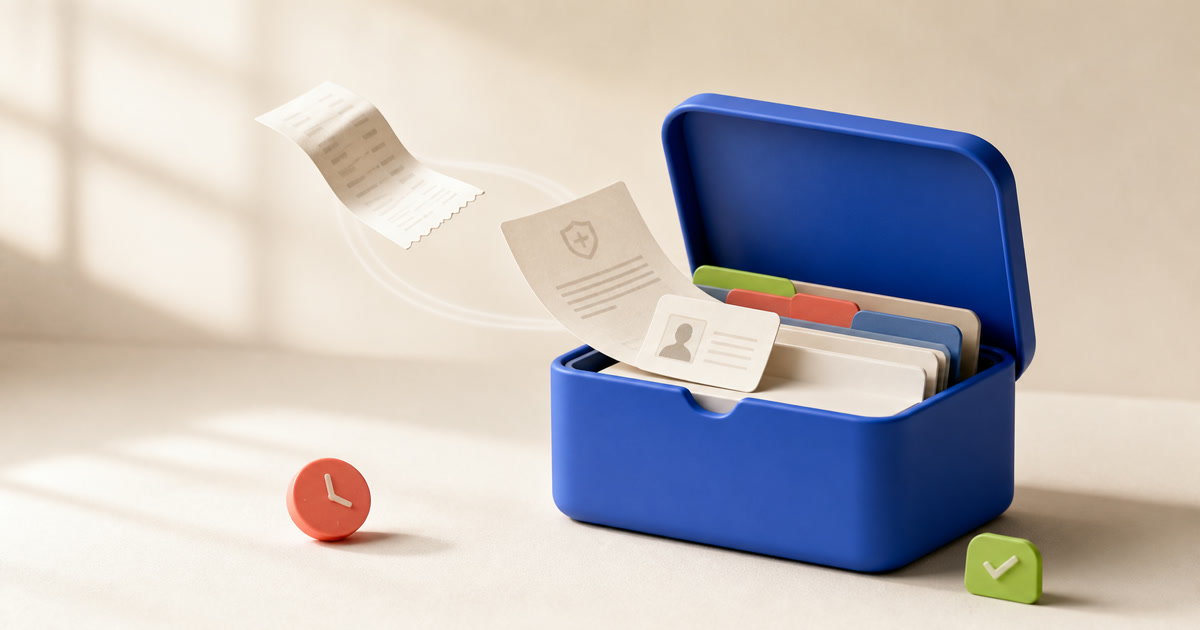
Paperwork has a peculiar rhythm. It can sit untouched for months. Then the washing machine breaks, an insurer asks for proof, a passport renewal comes due, or a tax deadline arrives. You need one document on the spot.
We built Papertuck for that moment.
The missing part is context
You can store files in drawers, camera rolls, email attachments, downloads folders, cloud drives, and messaging threads. A file in any of those places may be missing the context you will need.
A photo of a receipt does not tell you when the return window closes. A PDF called scan_0047.pdf does not remind you that it contains your home insurance schedule. A passport scan can appear in search, but it cannot warn you about an expiry date you never recorded.
Give each document a job
A useful document record contains:
- The type of document.
- The person, product, or property it belongs to.
- The proof it provides.
- The date it expires, renews, or needs attention.
- The people who should have access.
- The words you would use to search for it.
Papertuck keeps those details beside the scan, includes its text in search, and records the dates you might forget.
We are building the product around four steps: capture, understand, remember, retrieve.
Capture it before it reaches the drawer
If adding a document feels like administration, you leave the paper on the counter. A ten-minute filing routine will lose to dinner, work, and everything else that needs your attention.
Papertuck keeps capture short. Scan or import the file, let OCR read what it can, confirm the useful details, and move on.
Search with the words you remember
The folder name may be gone from your memory after two years. You might remember the shop, the appliance, the family member, the month, or the problem.
Papertuck combines OCR text with household categories and useful details. Searches such as “washing machine warranty,” “school insurance form,” and “passport renewal” should work without a perfect folder hierarchy.
Keep dates next to the document
Household documents come with dates. Receipts have return windows, products have warranties, and insurance policies renew. Identity documents expire. Contracts require notice. Forms have submission deadlines.
Papertuck stores these dates with the document. You can set a reminder without rebuilding the same record in a separate calendar.
Be exact about privacy
Household documents can expose your identity, finances, health, and home. We should explain where Papertuck stores them and who can process them.
Papertuck’s free vault works on your device without an account. Cloud sync is an optional paid feature. If you enable it, Papertuck protects data in transit and at rest. We do not claim end-to-end encryption because our service can process document content.
We do not sell your document activity or use household records to build an advertising profile.
You can read the current details on the privacy page.
Keep the scope narrow
Papertuck’s first job is to help a household keep receipts, warranties, insurance papers, identity records, and other important documents ready for ordinary life. Accounting software, legal advice, tax services, and general cloud storage are outside that scope.
We prioritize a calm capture flow and reliable retrieval. Clear privacy controls come before elaborate collaboration or an AI assistant.
We judge each feature by a plain question. Can you find the paper with enough time to act?
Build for the moment you need it
We want paperwork to take up less space in your head. Scan a document once, keep the context and date with it, then find it when you need it.
For the founder’s personal note, read why Papertuck is being built. To start organizing your own papers, use the household documents checklist.